QNH Settings
QNH is the atmospheric pressure adjusted to sea level, used to calculate accurate barometric altitude. Setting the correct QNH is essential for reliable pressure-altitude readings.
What is QNH?
QNH is the barometric pressure corrected to mean sea level. When you set the correct QNH in the app, the barometric altimeter shows your altitude above mean sea level (AMSL).
The standard atmosphere QNH is 1013.25 hPa. Real-world QNH varies with weather conditions and can be significantly different from standard.
Setting QNH
Manual Entry
- Open Settings (or the QNH setting in the app)
- Enter the current QNH value in hPa
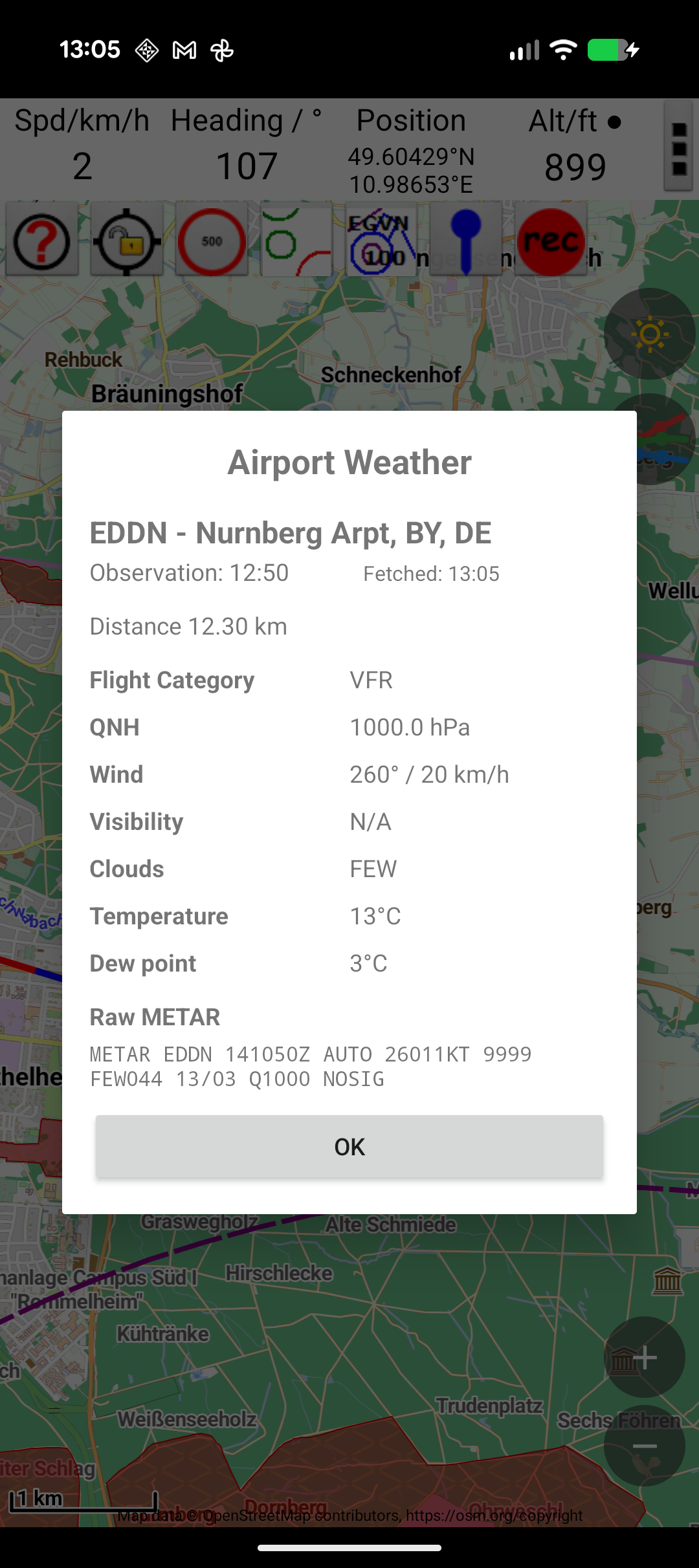
Auto-Fetch from Weather
The QNH can be automatically populated from weather data:
- Tap the weather button to fetch current conditions
- The QNH from the nearest reporting station is used
Effect on Altitude
With the correct QNH:
- Barometric altitude shows accurate height AMSL
- Track data recorded with barometric altitude is more reliable
With an incorrect or default QNH (1013.25 hPa):
- Barometric altitude shows pressure altitude (relative to standard atmosphere)
- This can differ from true altitude by hundreds of feet depending on weather conditions
QNH Display
The current QNH value is displayed in the app title bar for easy reference. This lets you see at a glance what QNH is being used without opening settings.