Downloading Maps
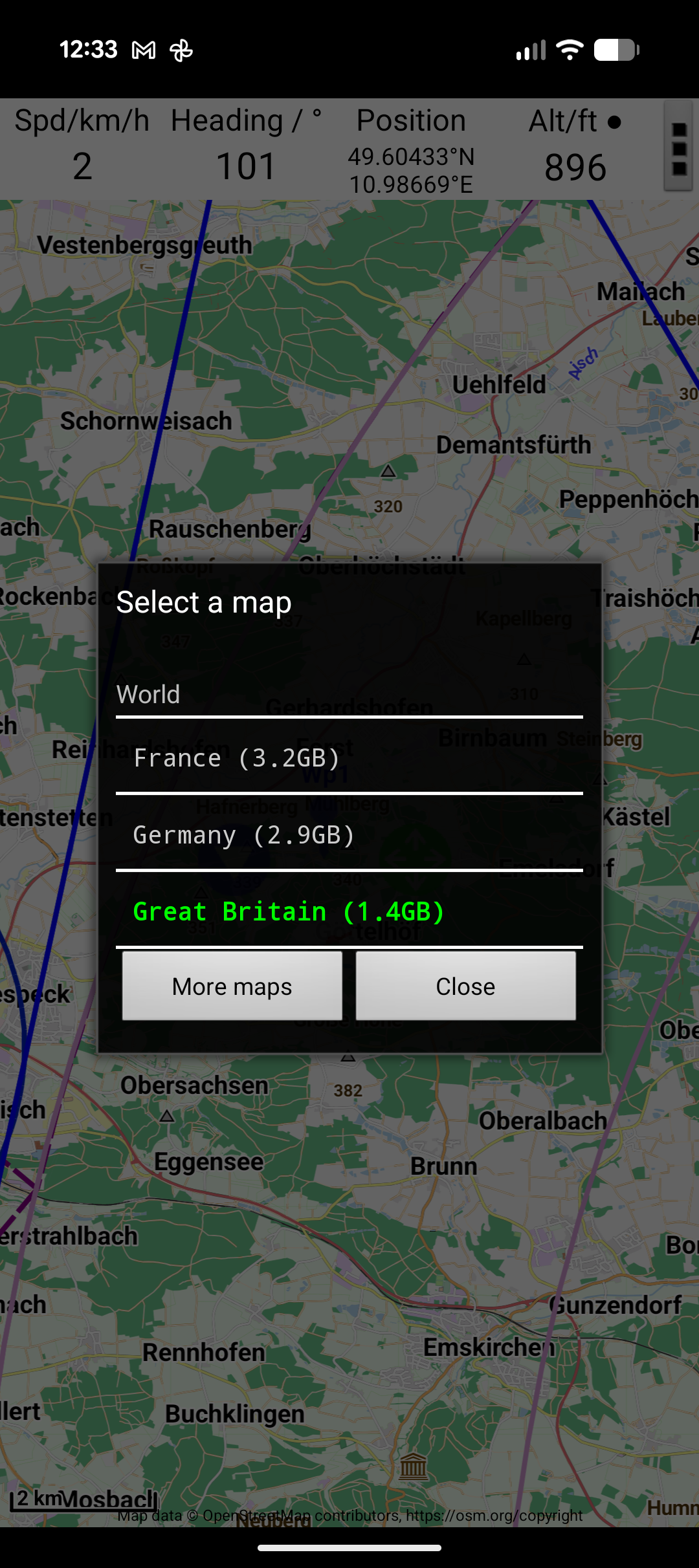
JBalloonNav uses offline maps based on OpenStreetMap data, rendered with the Mapsforge library. Maps are downloaded once and stored on your device for use without mobile data.
How to Download
- Tap ☰ Menu → Download Maps
- A tree list shows available countries and regions
- Expand a country to see regions (e.g., Germany → Bavaria, Baden-Württemberg, etc.)
- Tap a region or country to begin downloading
- A progress dialog shows the download status
What Gets Downloaded
Maps are .map files stored in the app's external storage. A regional map (e.g., Bavaria) is typically 200–500 MB. A full country map (e.g., Germany) can be 1–3 GB.
Online Maps
If you prefer not to download maps, you can use online OpenStreetMap tiles instead. These require an internet connection and are configured in Settings → Map → Online/Offline.
Online maps stream tile images over the network. They work well with good connectivity but will not function offline.
Tip
For flying, offline maps are strongly recommended. Mobile signal is often poor or absent at altitude. Download your maps before heading to the launch site.